Stream chat votes
Link your Twitch or YouTube chat in a party and let your viewers vote on the next twist by typing 1, 2 or 3.
Linking your chat
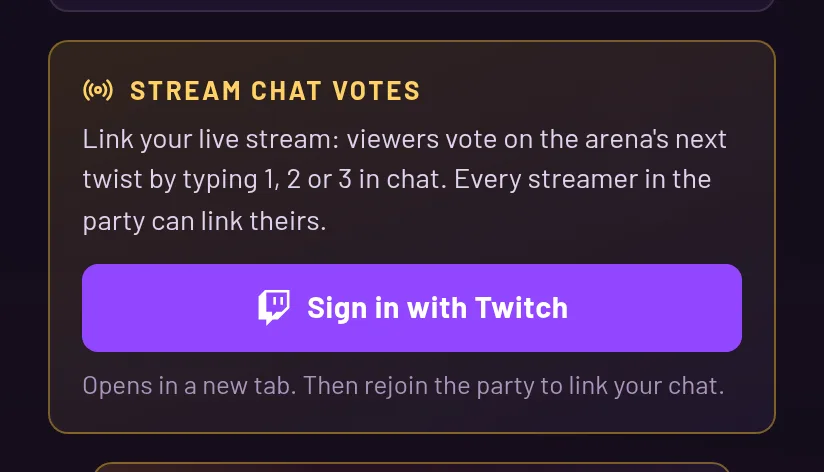
Stream chat votes work in parties. Open the pause menu (Esc) and find the "Stream chat votes" card. It links the channel of the account you are signed in with, Twitch or YouTube.
If you aren't signed in with one of them, the card offers "Sign in with Twitch" or "Sign in with YouTube". That opens a new tab, and you rejoin the party afterward.
On YouTube, you have to be live when you click. If you are not, go live and link again. You can only link your own channel.
What viewers type
Viewers vote by sending the card's number as their whole message: 2, !2, #2, vote 2 or !vote 2. The panel in the game tells chat how to vote.
Each chat user gets one ballot. Chat names are never shown, only counted.
How it counts
Every linked chat is pooled together, and no chat counts for more than another. If the same person is in two chats on one platform, they still get one vote.
The count waits 12 seconds instead of a few, because a stream runs a few seconds behind. A party can link up to 4 chats at once, and a link drops when its owner leaves.