Recordings and Play of the Game
Every match is saved. Watch it again, share a link, or turn the best moment into a video for YouTube, Reels or TikTok.
What gets saved
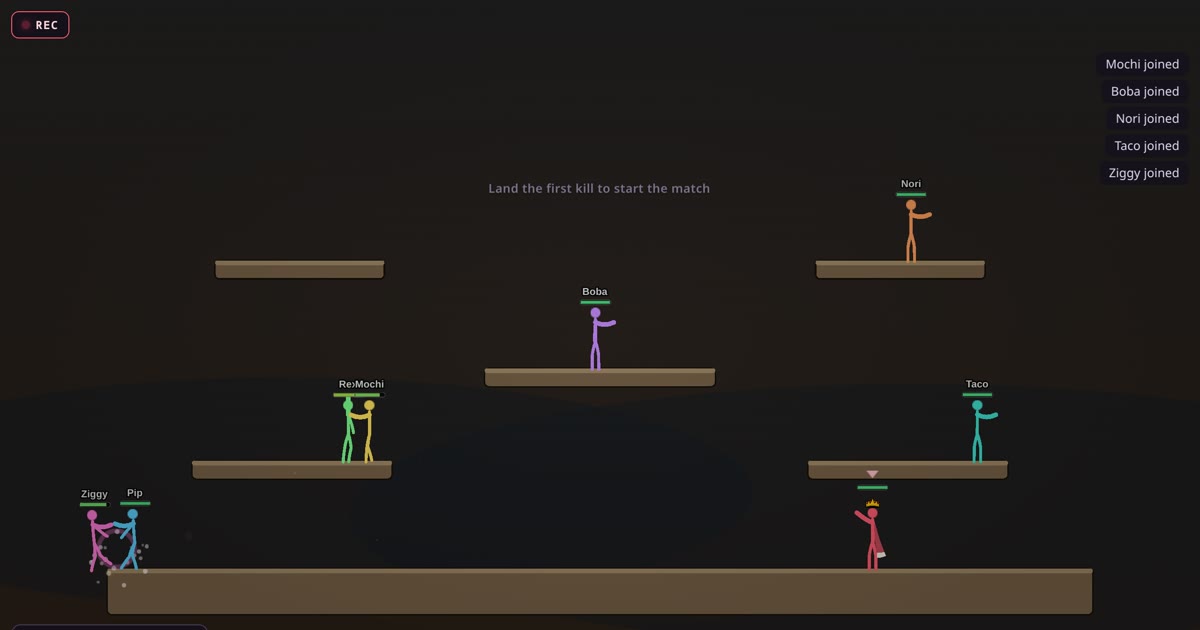
Every match you play is recorded, from the moment the room opens until the match ends. That includes the warm-up. You don't have to press anything.
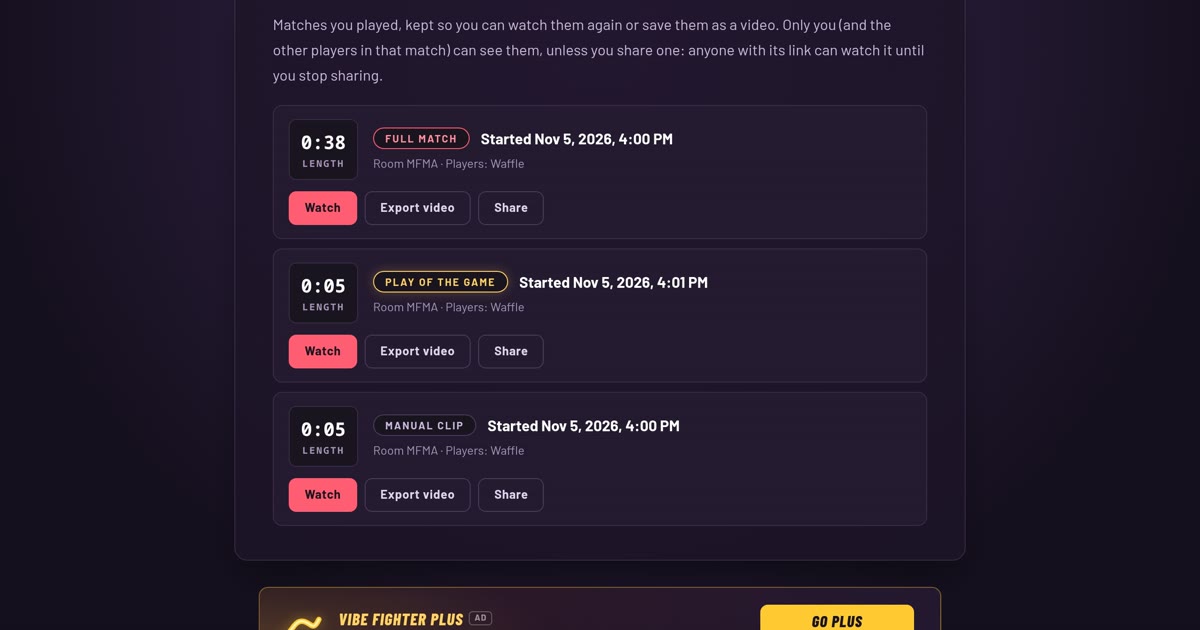
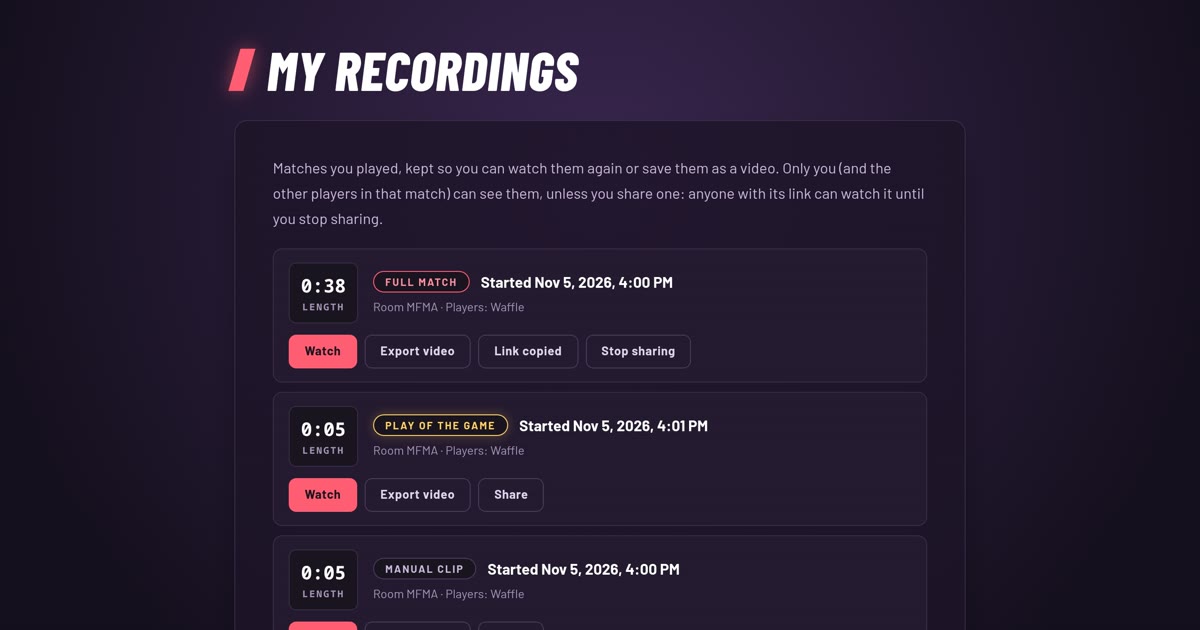
Each recording is one of three kinds: a Full match, a Play of the Game (the best moment of that match, cut out for you) or a Manual clip that you recorded yourself with the G key.
Who can see them
Only you, and the other players who were in that match. Nobody else can open your recordings, and there is no public gallery.
When you want someone else to watch, you share a link. Anyone with the link can watch that one match in their browser, no account needed, until you stop sharing.
With an account or without
You don't need an account. Guests can open the Recordings page, watch, share and export video like anyone else.
A guest's recordings are tied to that browser. Clear your cookies or switch browsers and they are gone from your list. Log in and your recordings follow you to every device.
How many you can open
You can open your newest 100 recordings, counting all three kinds together. With Plus, it is your newest 1,000.
Older ones stay in your list with a lock and an "Unlock with Plus" link, and they open again while you have Plus. A match makes a Full match recording and usually a Play of the Game, so 100 recordings is roughly half as many matches.
A share link only works while its clip is inside your newest recordings.
Watch your matches
- My Recordings
Every match you play shows up in My Recordings, ready to watch again, share or turn into a video.
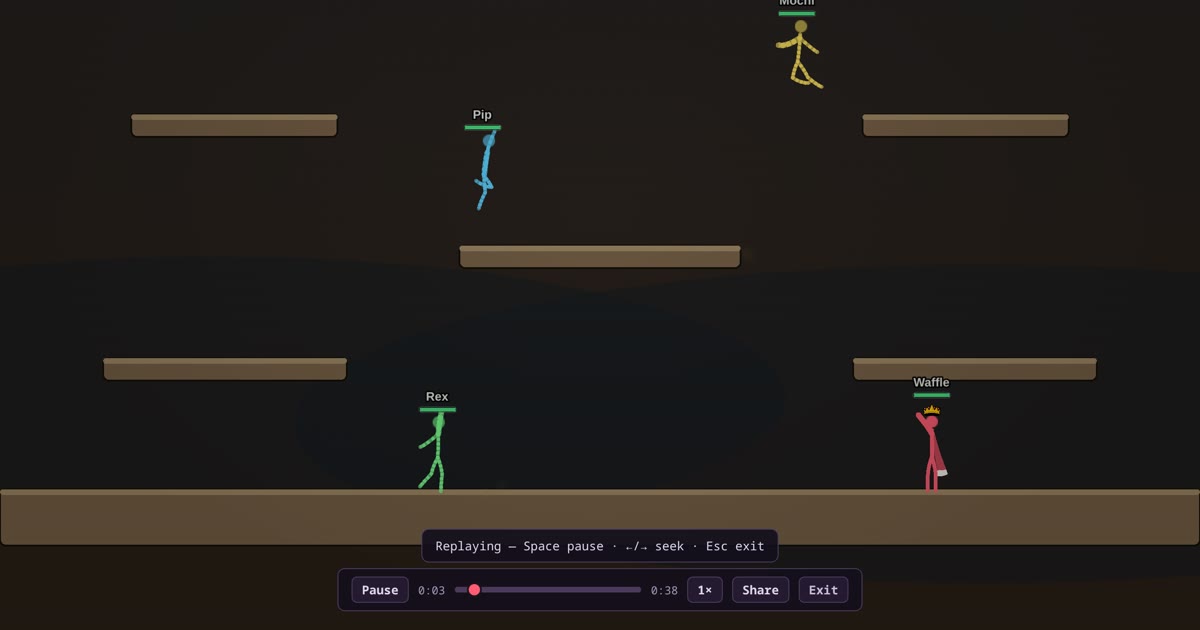
- Watching a replay
Pause, scrub, slow it down or speed it up. How the replay bar works, and the keys that go with it.
- Record your own clip with G
Press G during a match to start recording a clip, press it again to save it. It lands in My Recordings.
Highlights
- Play of the Game
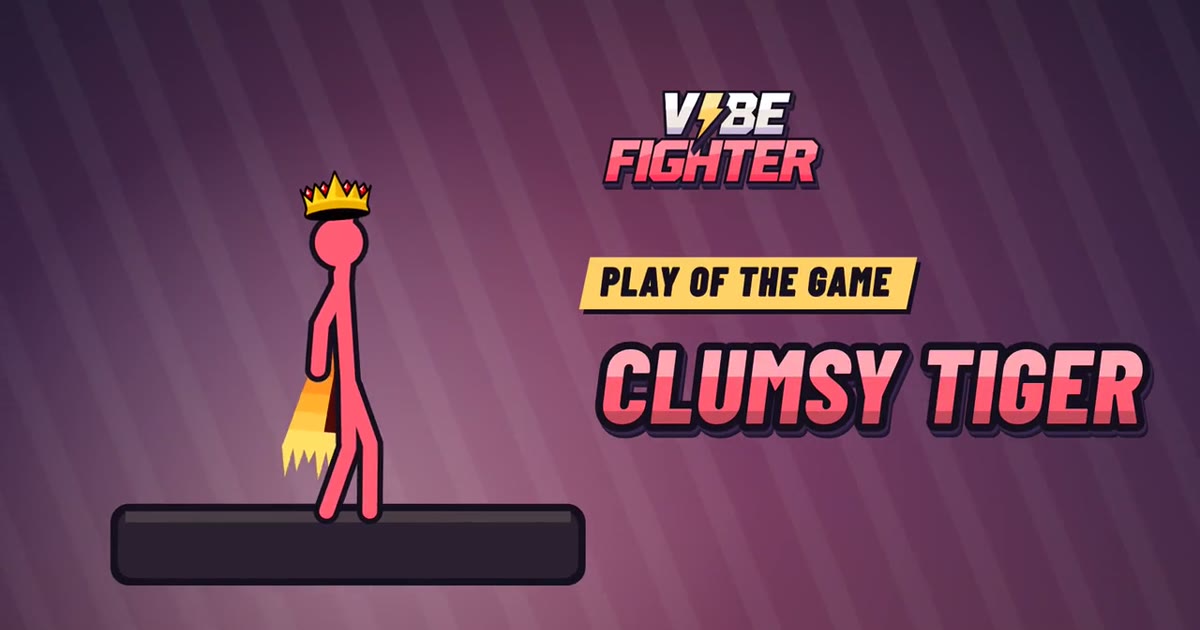
At the end of every match the game picks its best moment, shows it with an intro card and saves it as a clip you can share or turn into a video.
Sharing
- Share links
Press Share to get a link anyone can open to watch your match in their browser. Stop sharing and it stops working.
Make a video
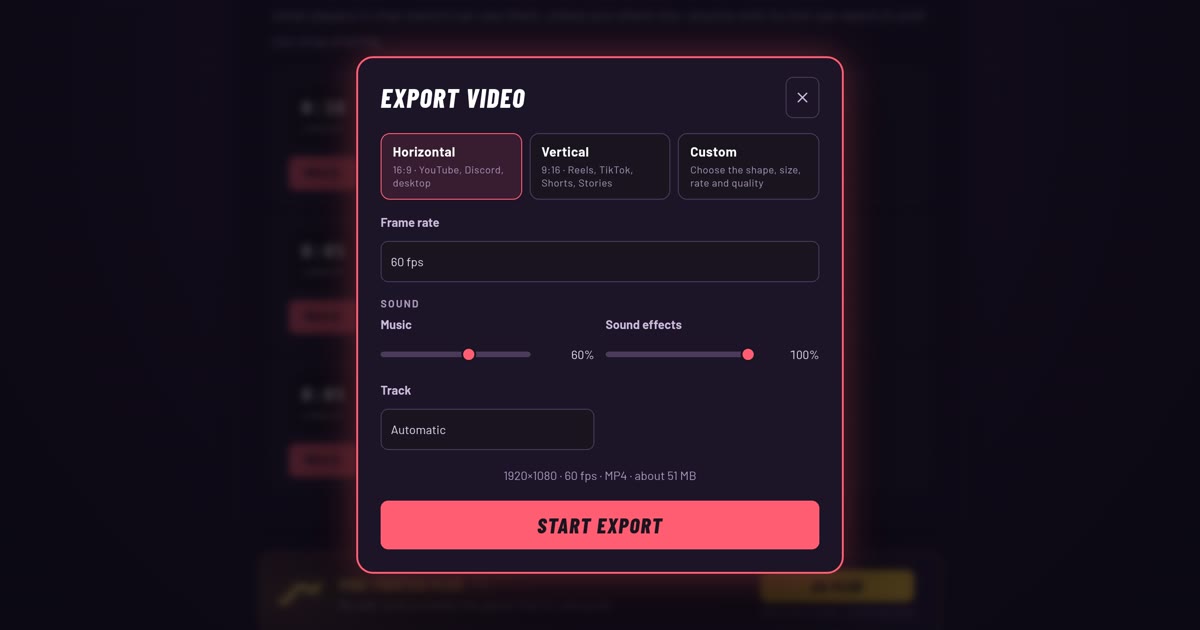
- Export a video
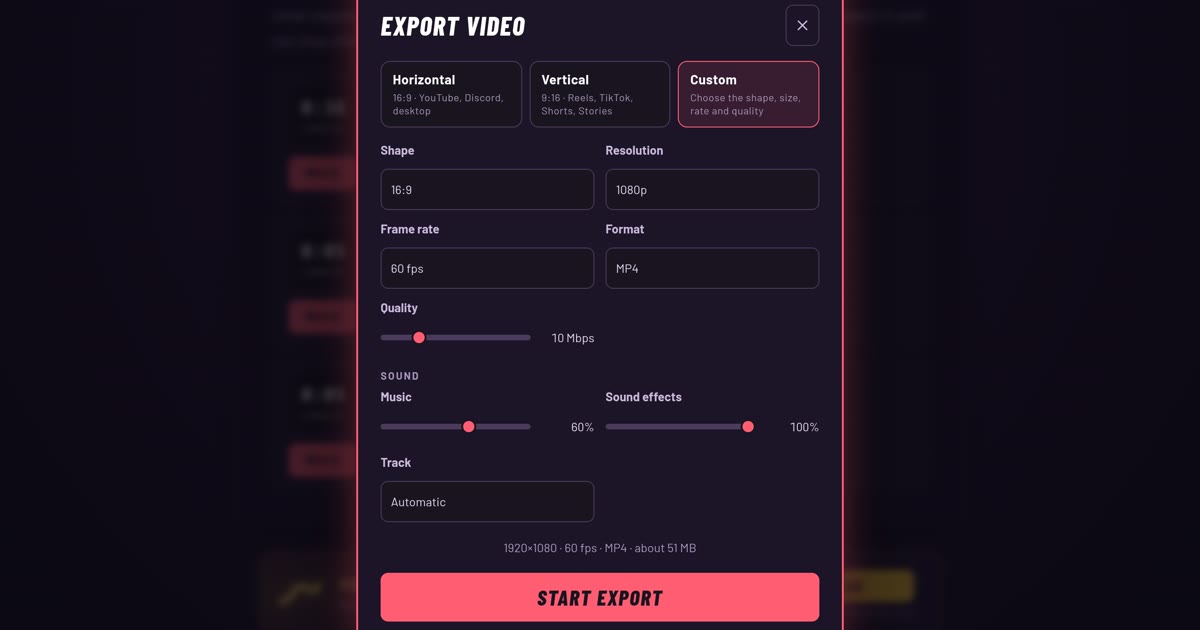
Turn any recording into a video for YouTube, Reels, TikTok or Shorts, with the music and the right shape already set.
- Export settings, one by one
Every option in the export dialog explained: shape, size, frame rate, quality, format, and what every video includes.