Share links
Press Share to get a link anyone can open to watch your match in their browser. Stop sharing and it stops working.
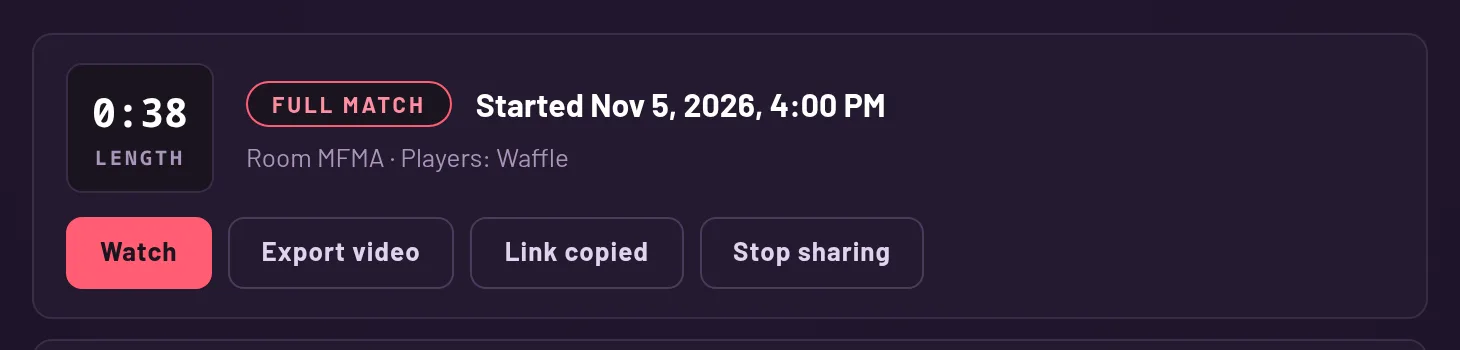
Make a link
On the Recordings page, press Share on a row. The game makes a link and copies it for you. The button then turns into Copy link and Stop sharing.
Only someone who played in that match can share it, and only while the recording is inside the newest ones they can open.
What your friend can do
Anyone with the link can watch the match in their browser, no account and no download. They see a page that says someone shared a match with them, with a button to watch it and one to play Vibe Fighter. The link preview shows the players' names.
A link lets people watch and nothing else. To export a video or share the match on, you have to have played in it.
Link to a moment
During a replay, the Share button in the replay bar copies a link that opens the match at the second you are on. Send it to point at the exact kill you want your friend to see.
This is on Full matches and Manual clips. A Play of the Game has no replay bar, so share it from the results screen or the Recordings page.
Stopping a link
Press Stop sharing on the row and the link stops working at once. Anyone who opens it after that sees a page that says the link may have been mistyped, or that the person stopped sharing.
A link also stops working if its clip slips outside your newest 100 recordings (1,000 with Plus). It works again if the clip is back inside.