Record your own clip with G
Press G during a match to start recording a clip, press it again to save it. It lands in My Recordings.
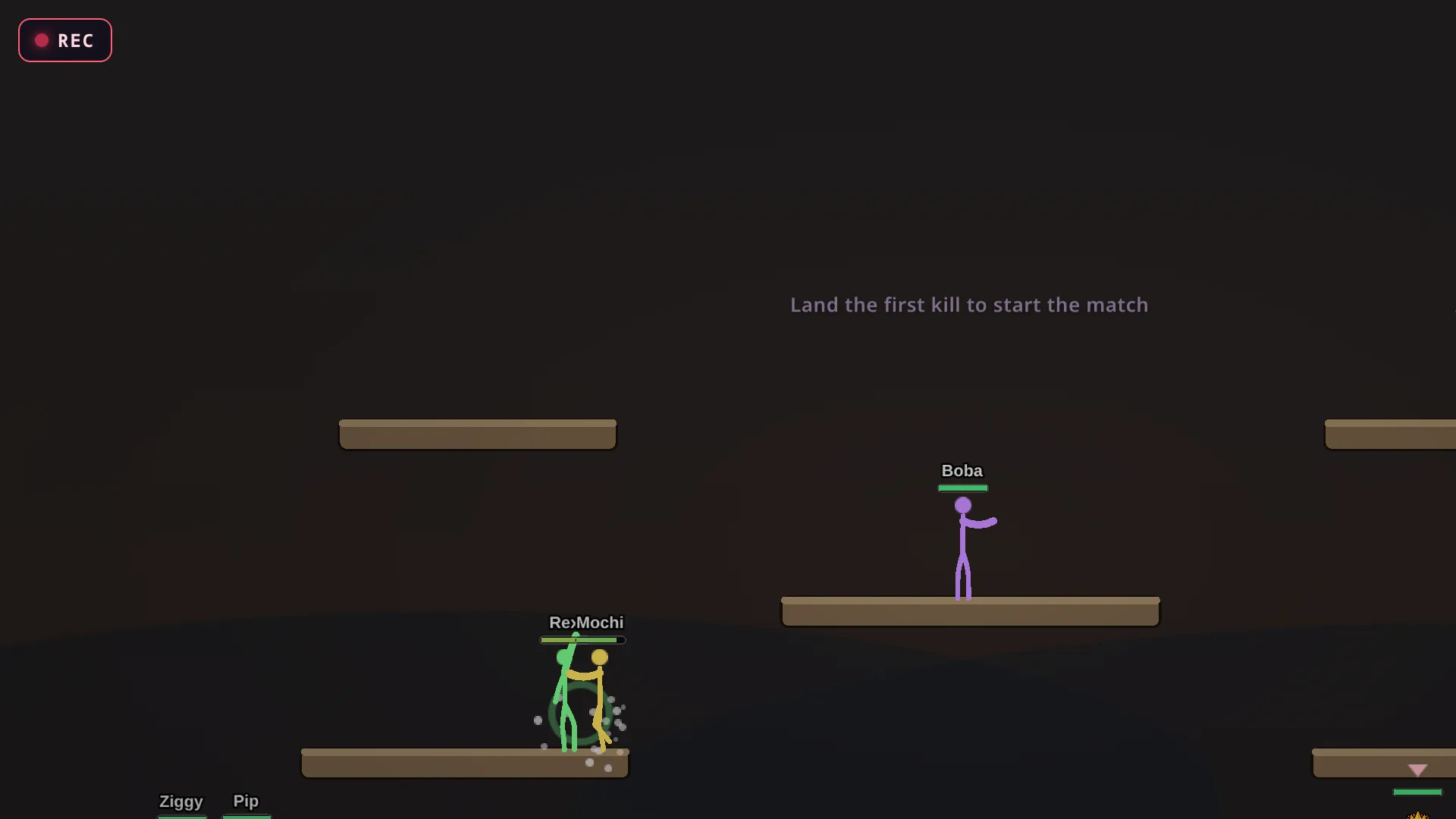
Start and stop
Press G to start a manual recording and press G again to stop. While it records, a small REC dot shows on screen. When you stop, a message tells you the clip is saved and the length it came out at.
What it saves
Everything that happens between the two presses. The clip shows up in My Recordings as a Manual clip, and you can watch it, scrub through it, share it and export it as a video, like any other recording.
Good to know
G works once you have joined the match and can see the game screen. A manual clip counts toward your newest 100 recordings like any other.
If you lose connection while recording and reconnect, the game tells you whether it is still recording or already saved the clip.